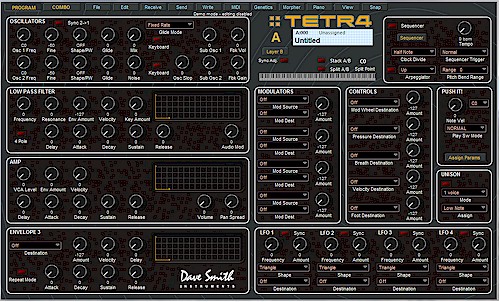
TETRA EDITOR RELEASE VERSION 1.5.1 - JUNE 14, 2011
Download Tetra Pro SoundEditor
Download your free Tetra LE SoundEditor
The Tetra Pro version features:
Horizontal layer/voices editing. You can edit Program Layers and Combo Voices using one editing panel:

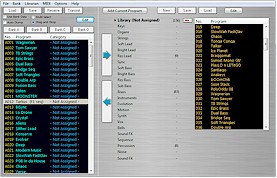
The Bank Manager Librarian. You can store and organize unlimited number of Tetra Programs and Combos.
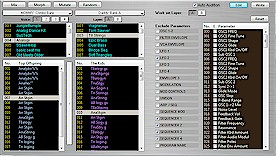
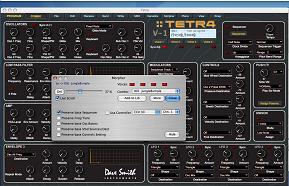
Program Genetics: Create Tetra Programs and Combos using refined algorithms. Functions include "MIX", "MORPH", "MUTATE" and "RANDOM".
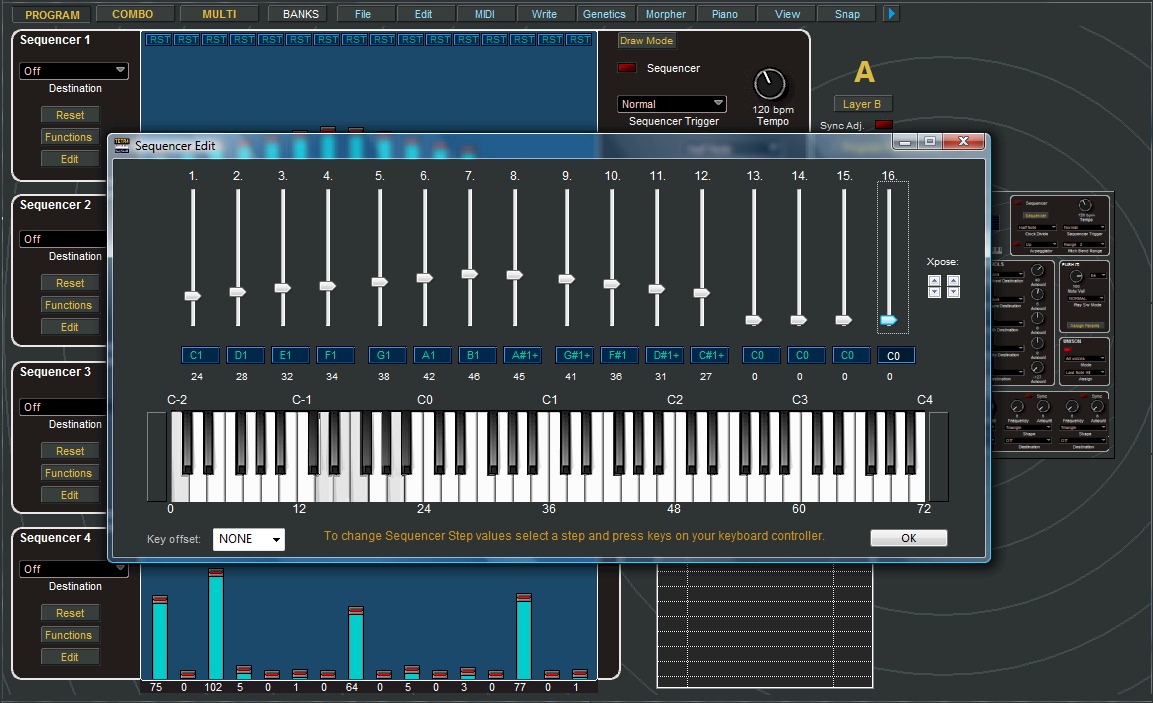
The Tetra Sequence editor has additional functions and automations and sequence templates that allows to browse through different Programs and Combos.
In the Sequencer Edit window, sequencer steps can be set using keyboard controller keys.
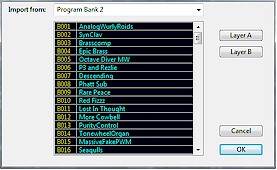
Import Program Layers and Combo Voices from other Programs and Combos.
Program and Combo Morpher.
Version history (1.5.1):
Added "Auto Increment" of sequencer steps in the Sequencer Edit window.
Removed "OS Update" utility.
Implemented Tetra OS 1.3 and 1.5 additions: New Arp modes, sequencer mods and global parameters.
Fixed various problems associated with Tetra's USB connection issues. There are still few bugs in the Tetra OS that were introduced in the OS 1.3 and were carried over to 1.5 that await fixing by DSI. There are some problems with program selection and program bank data requests for which we provided a temporary fix. Please let us know if you experience any problems with downloading or transmitting program banks using USB.
Added horizontal layer/voice editing. You can edit all voices or layers using one editing panel.
Added Sequencer Edit window: Sequencer steps can be set using your keyboard controller keys.
Now you can tweak layer parameters in the Sequencer window using scaled layer/voice editing panel.
Various program cosmetics.
Dave Smith Instruments and Tetr4 are trademarks of Dave Smith Instruments.

Copyright ©
2011 SOUNDTOWER INC.