Computer shortcut keys:
Function key F1: Shifts the Voice panel right.
Function key F2: Shifts the Voice panel left to show Oscillators groups.
Function key F3: Shifts the Voice panel left to show the Mixer group.
Function key F4: Shifts the Voice panel left to show Filter and Amplifier groups.
Function key F5: Preset Bank Manager.
Function key F6: Prophet 5/10 User and Factory Banks.
Function key F7: MIDI Setup.
Function key F8: Sequencer Window.
Esc key F5: Closes Preset Bank Manager and Sequencer Window. Hides the Program Search panel.
Please note that the PlugSE window has to be in–focus in order for computer key strokes to work.
Ctrl/Command + F : Opens the Program Search by name panel.
Ctrl/Command + N : Opens the Program Search by number panel.
Ctrl/Command + H : Horizontal or vertical mode.
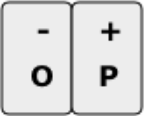
Octave -
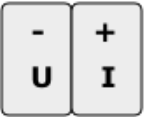
Note Velocity -
Some DAW hosts do not pass all keys strokes and you should use SHIFT KEY to enable certain keys in the PlugSE.
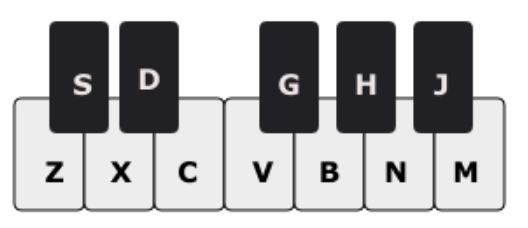
Computer Keys Note Play assignment:
Playing notes using computer keys:
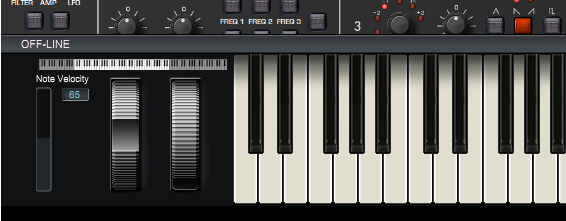
Note velocity settings and the octave range can be also adjusted using controls located on the piano keys panel.