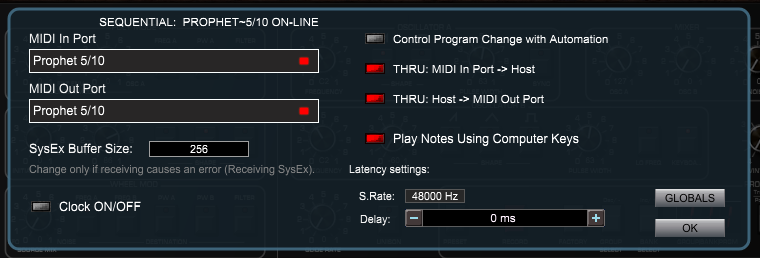
MIDI Setup

Select MIDI iN and MIDI OUT ports that the Prophet 5/10 is physically connected to.
The status text should display: SEQUENTIAL Prophet 5/10: ON-
For the PlugSE to communicate with the Prophet 5/10, the Global SysEx (system exclusive) settings should be set as follows:
-
-
The PlugSE controls more than a thousand parameters and is using NRPN commands that are received and transmitted.
To enable NRPN controllers set:
-
-
-
Note: All of the above GL0BAL settings changes must be done manually on the Prophet 5/10 panel. In order to save changes exit the Global mode.