TAKE 5 Banks

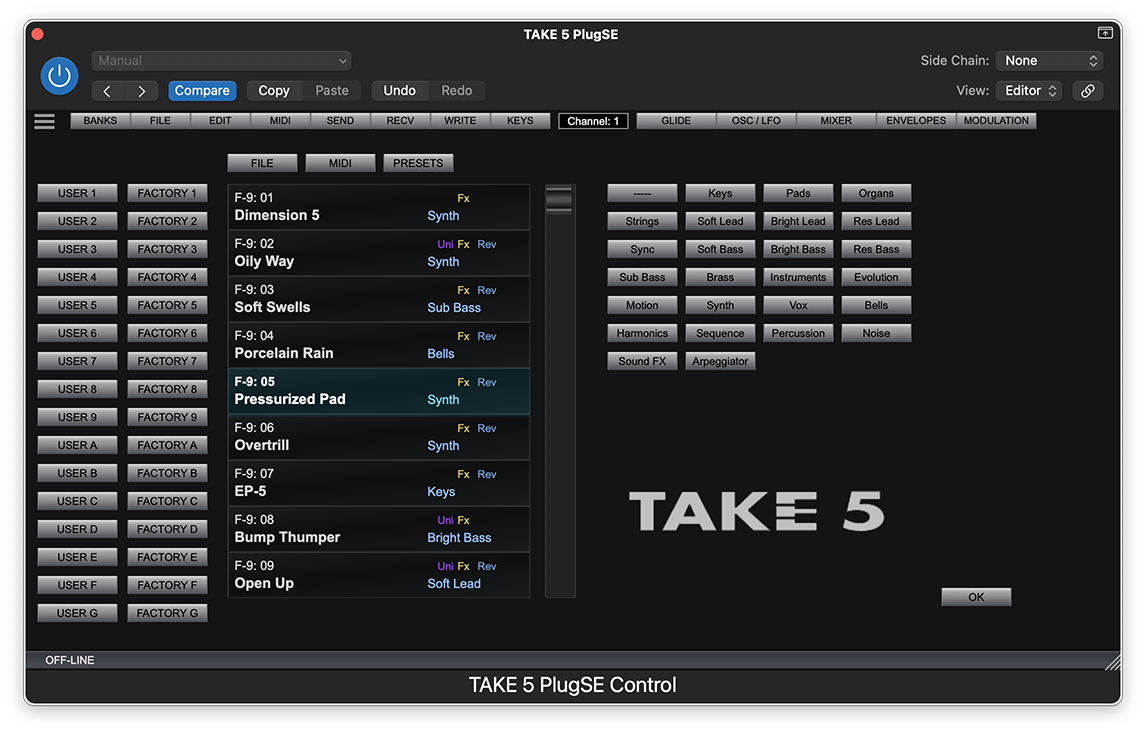
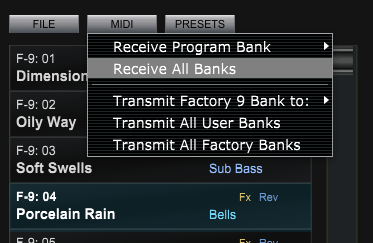
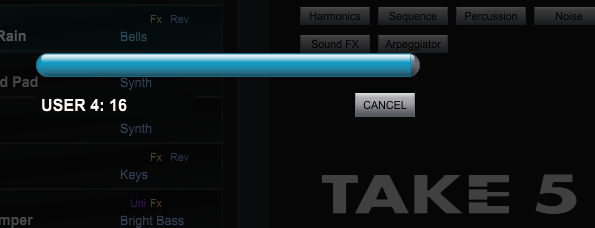
Using the bank panel you can access and select from all programs in the TAKE 5 USER and FACTORY banks. In order to import all programs to the PlugSE use MIDI RECEIVE functions.

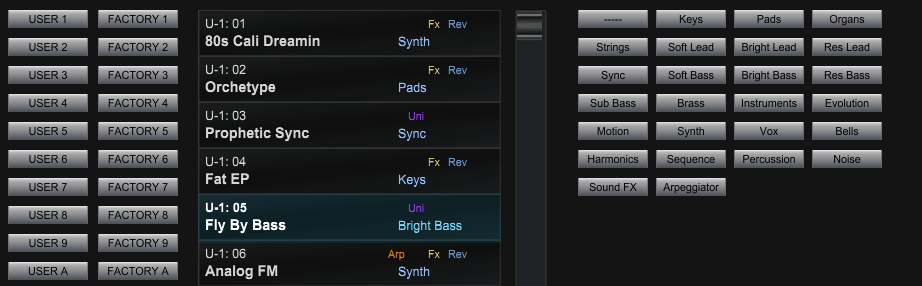
On the left of the Bank Panel there are BANK buttons that bring up a content of a selected bank. On the right side there are CATEGORY buttons that filter all USER programs according to a selected category.
Double-
You can import Program banks saved in files by clicking on the FILE button.
Supported formats are:-
-
-
Bank files are loaded to the currently selected bank. If you select different bank destination, click on a different bank button to select another current bank.
For a convenience, if you like to revert or reload the original factory programs you can use the PRESET button. Again, like with the bank files, selected factory banks will be loaded to the currently selected bank.
When you select a program from TAKE 5 banks that selected program will be loaded the current PlugSE patch and all it’s parameters will be displayed on the Voice panel.
Click on the OK button or press F6 key again to close the Banks panel.