Selecting Programs by Name or Number
You can select User or Factory programs using the Bank Panel and also by typing first letters or names or program numbers.
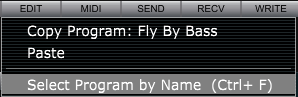
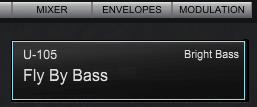
To access the Select Program by Name function you can either press Ctrl/Command + F keys or click on the Program Name in the Voice Edit view.
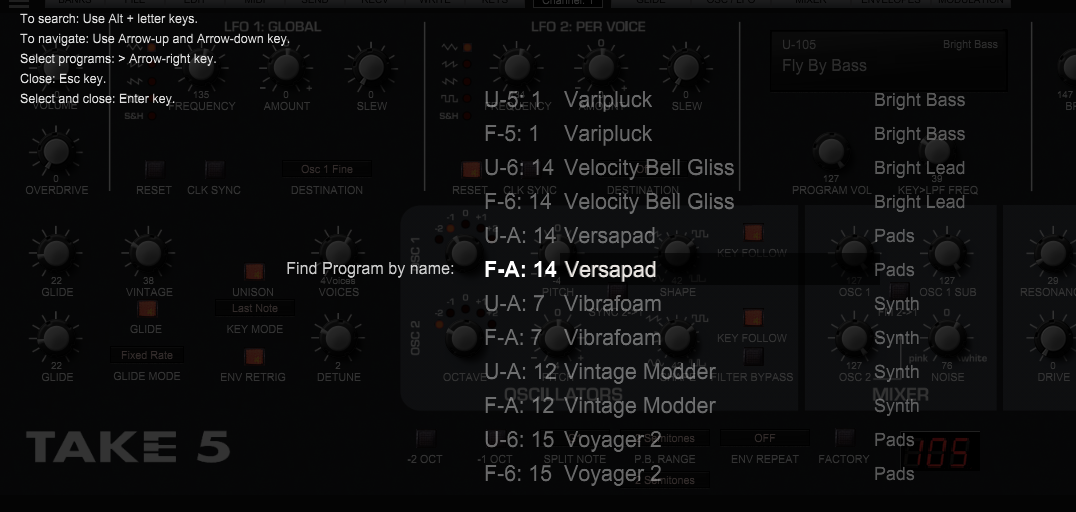
To search: Use Alt/Option + letter keys for the name search and Alt/Option + number keys for the search by number.
To navigate: Use Arrow up and Arrow down keys.
To select programs: use Arrow-
To close search panel: use Esc key.
To select and close: use Enter key.
Search by Name: