Voice Edit View
The Voice Edit panel can be scaled down to 43% by dragging the bottom-

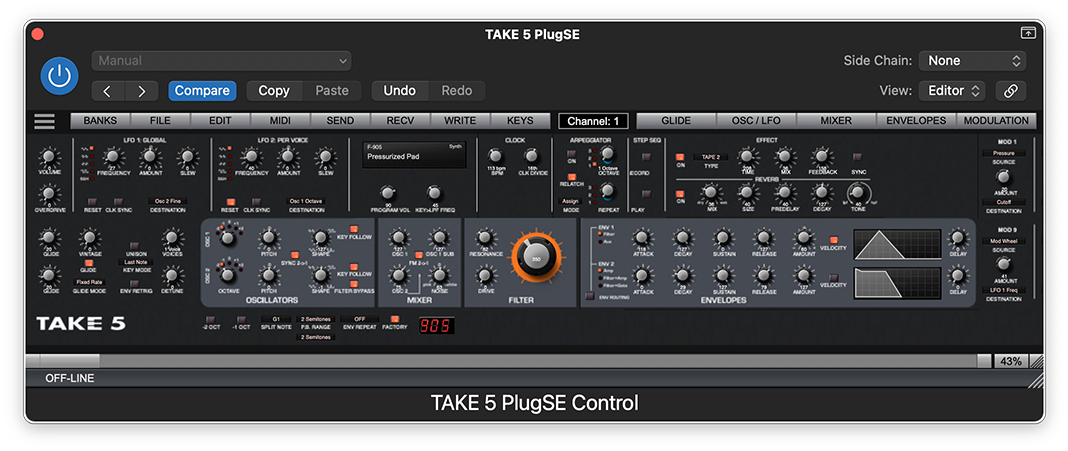
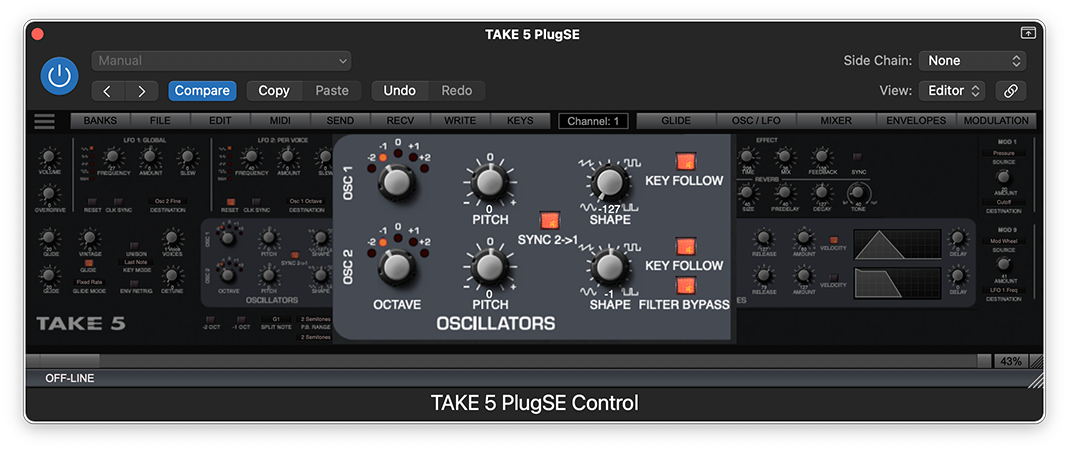
If the Edit View is scaled below 50% then clicking on any parameter group will bring up that group to the front.
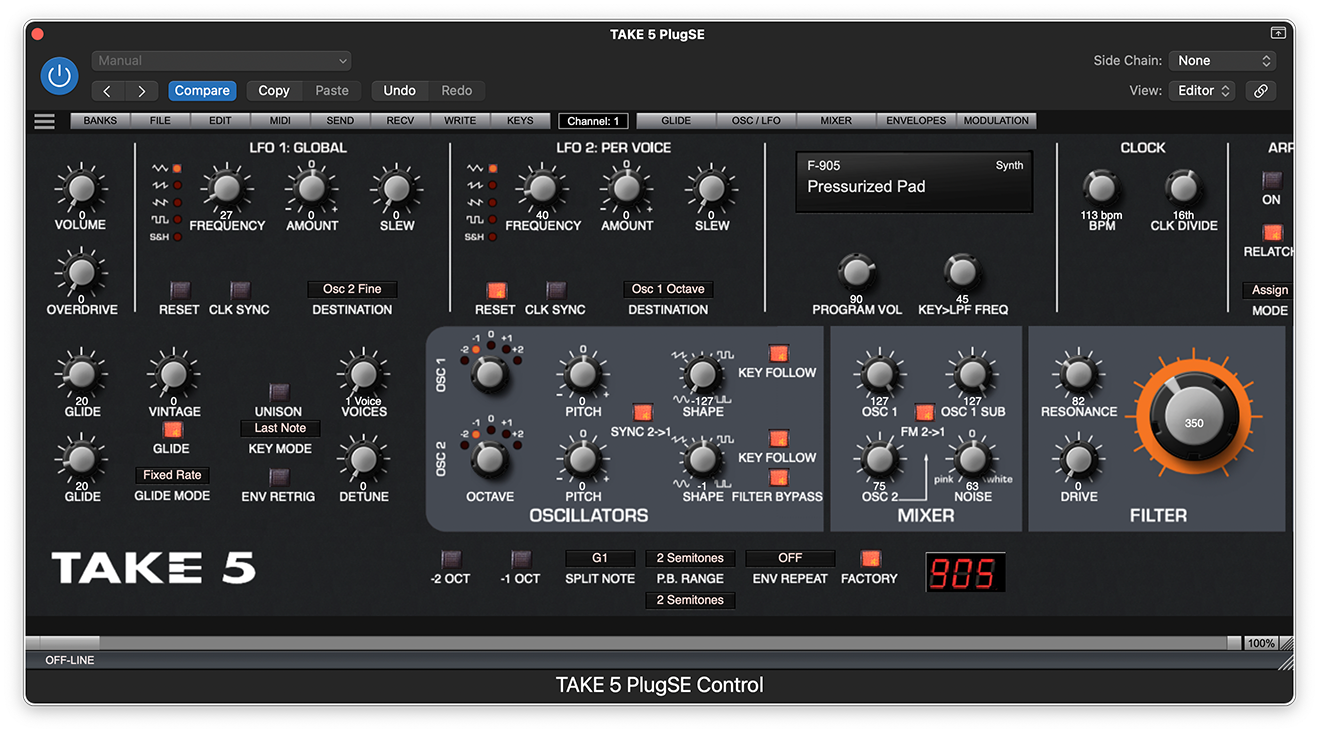
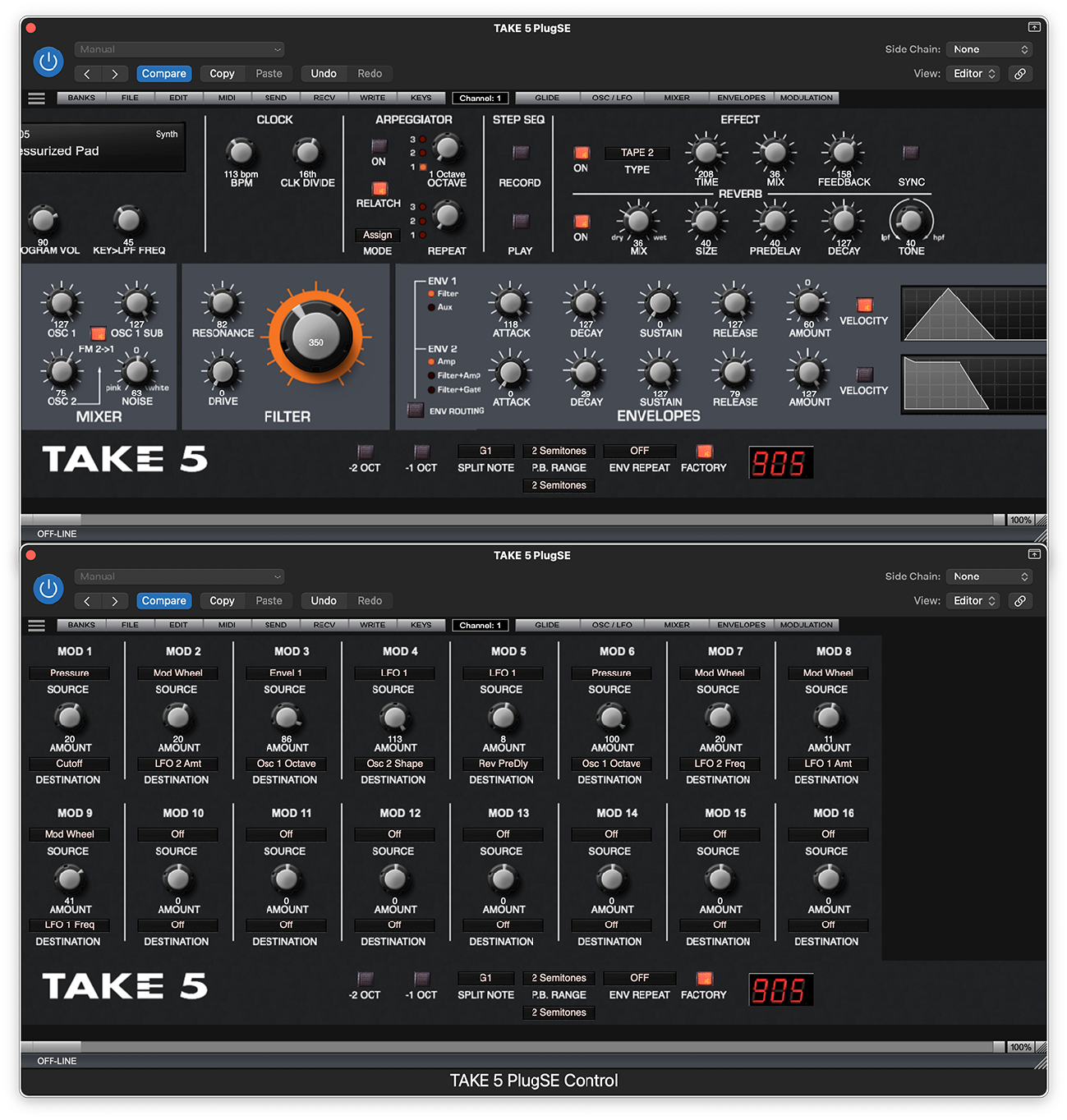
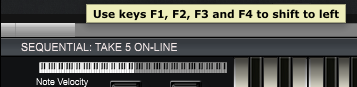

If the Edit View panel is set to 100% on smaller monitors then you will need to shift the Edit View panel left in order to access more parameters that are located on the right side of the panel.
To shift the Edit View to the left you can use the following:
-
-
-
