

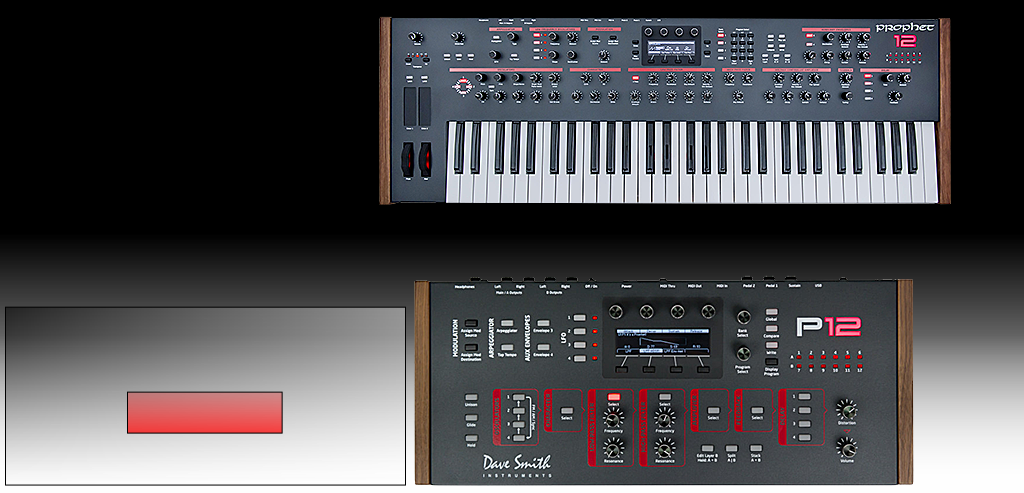


PROPHET 12 SoundEditor VIDEOS
Prophet 12 SoundEditor is a fully-
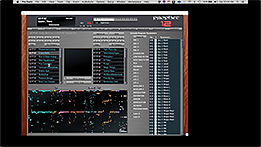
Prophet 12 Sound Editor provides the ultimate editing and sound development experience by displaying all Prophet 12 Program parameters in a single intuitive graphical interface. The interface resembles the look and feel of the real synthesizer while streamlining your workflow and allowing you to view the complete details of any Program at a glance and to edit any parameter using your computer. It allows you to see how the factory Programs are put together or to freely experiment to see what you can create.
Please note! The Prophet 12 Sound Editing software is not software instrument and it will produce no sounds unless connected with the DSI Prophet 12 synthesizer.
INSTRUCTIONAL VIDEOS

DSI Prophet 12 Global Settings and MIDI Setup for Soundtower Editor
How to make the synth and Editor talk to each other.
-
-


MENUS -
A quick guide to Menus of Soundtower’s Sound Editor for DSI Prophet 12.
-
-
-
-
-
-
-
-

EDITING PANELS -
Overview of the Editor's User Interface. It's much easier that it seems to be.
-
-
-
-
-
-
-
-
-
-

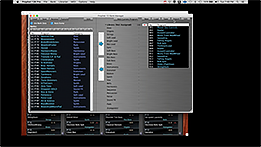
LIBRARIAN -
A unique way of managing all your Programs, Banks and Libraries of Programs developed by Soundtower.
Learn quickly how the Librarian works and how greatly it can enhance your experience with Prophet 12.
Create your own Libraries of Sounds, transfer the Programs, Banks from and to the Prophet 12, save, load and rename them.
ARPEGGIATOR -
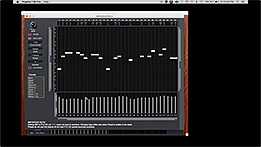
You can have one Arpeggiator per Layer in Prophet 12 Sound Editor.
Learn all aspects of editing the Arpeggiator: Controls, Steps, Notes, Velocity, Chords, Notes Lock.
SOUND GENERATORS -
You can't find these options on the synth itself -
-
-
-
Any questions or comments, please e-
Copyright © 2021 SOUNDTOWER INC.

Dave Smith Instruments, Prophet 12 and their respective logos are trademarks of Sequential LLC