






Prophet X Sound Editor is a standalone program that runs on its own. It is a fully-
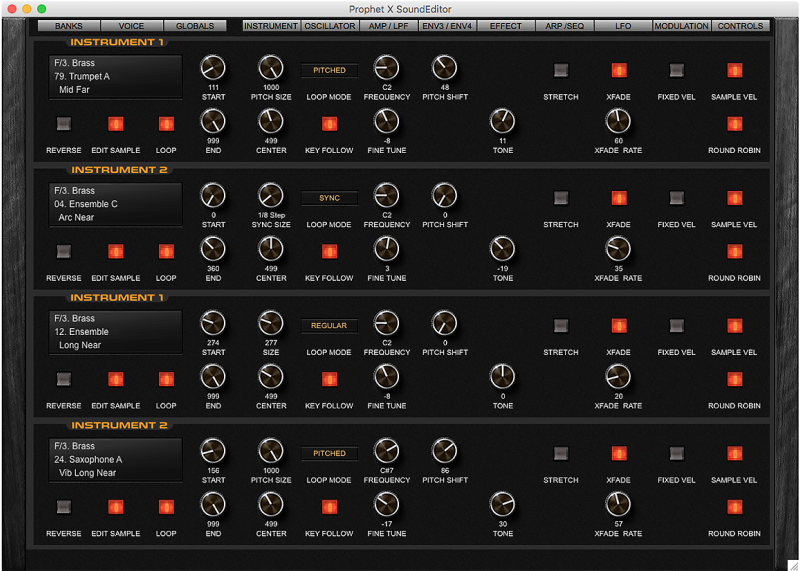
While the Prophet X is fully editable from its front panel controls, Sound Editor greatly expands the editing experience by displaying every Prophet X parameter in a series of logical, easy to use graphical interfaces.
Sound Editor allows you to create, edit, organize, and store Prophet X Programs. Through a standard MIDI connection, Sound Editor can receive and transmit individual Programs or entire banks to the Prophet X.
You can display and edit Program parameters. Programs can be assigned to Categories to assist in organizing, sorting and creating custom program banks.
Sound Editor can also be used as a teaching tool to learn the inner details of the factory Programs.
It let’s you reach deep inside your synthesizer.
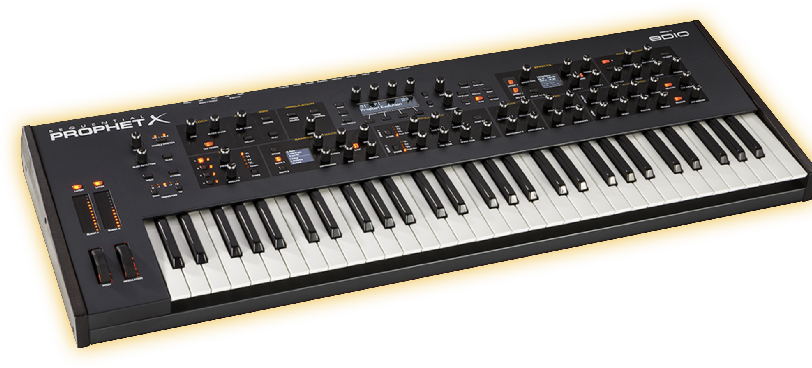
Please note! The Prophet X Sound Editor is not software instruments and it will produce no sounds unless connected with the Sequential Prophet X synthesizer.
COMPATIBILITY:
WINDOWS:
Windows XP and newer including Windows 10 and 11 (32 and 64-
MAC OS X:
MacOS 10.9 and higher, Apple Silicon M1 -
SOFTWARE SPECIFICATIONS AND FEATURES:
- Real time editing of all Prophet X parameters.
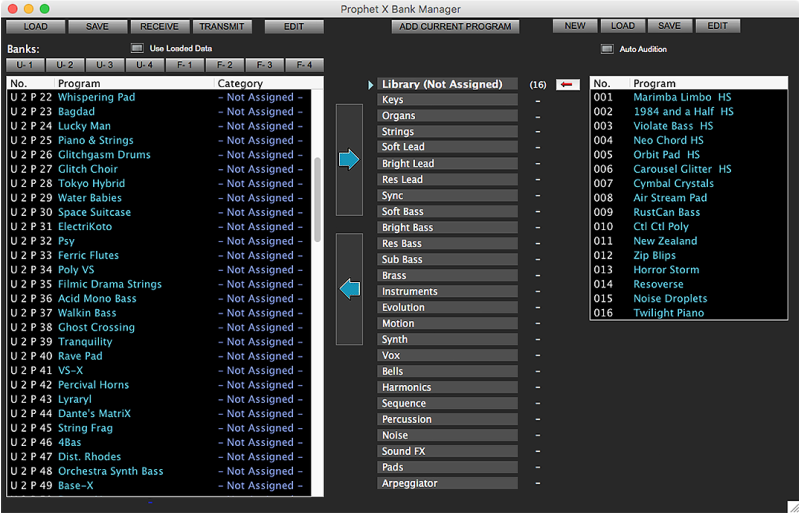
- Bank manager and program librarian.
- Intelligent sound generator.
And many other useful features to aid in sound management and creation..
- Program morpher.
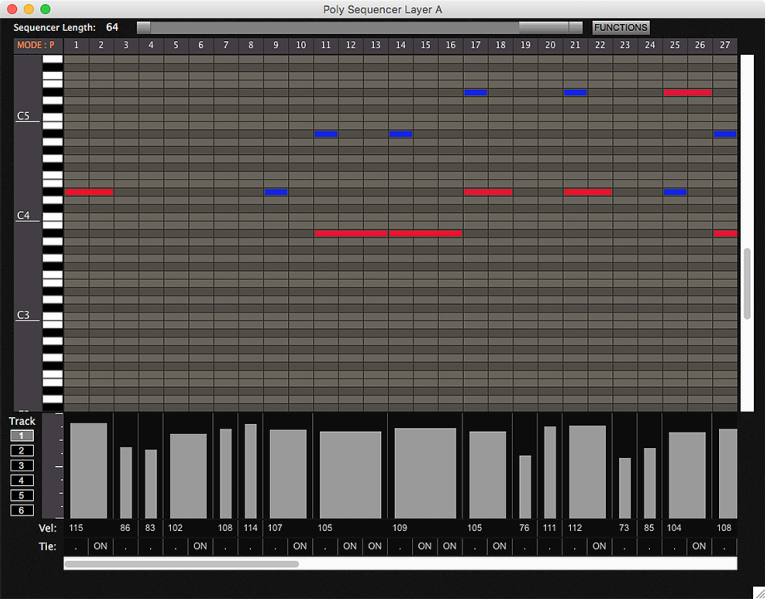
- Sequencer editor.
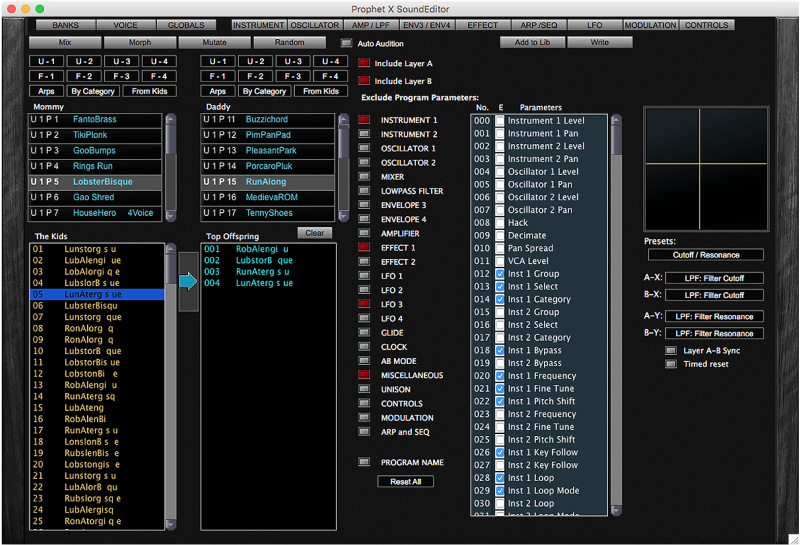
- Patch Generator
OSCILLATORS / MIXER
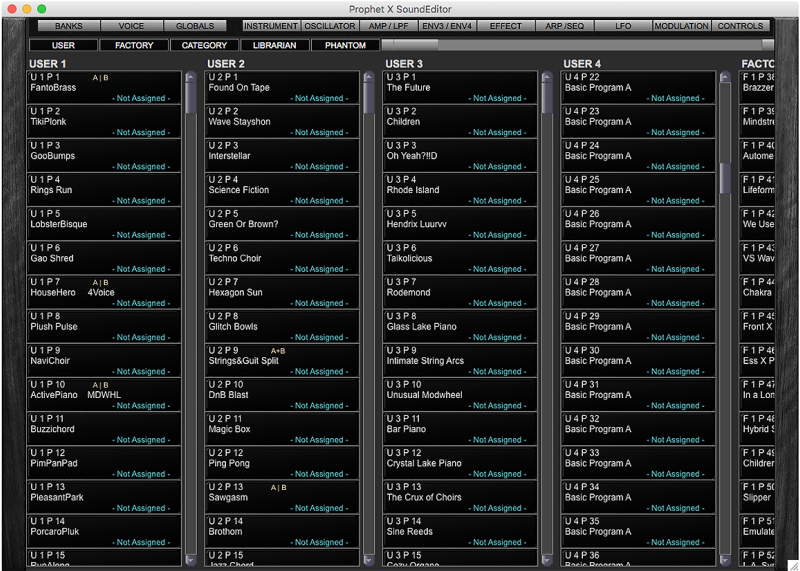
PROGRAM BANKS
PROPHET X PRO SOUND EDITOR FEATURES
click on image to enlarge it


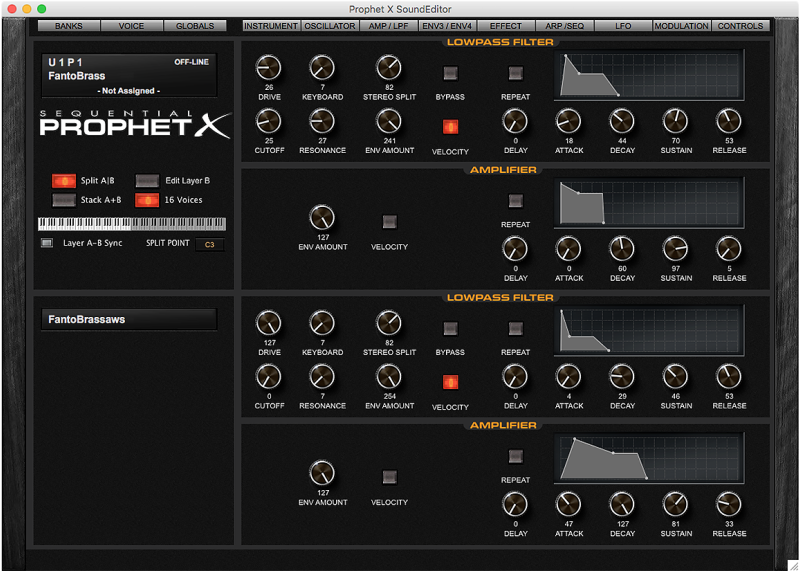
LOW PASS FILTER / AMP
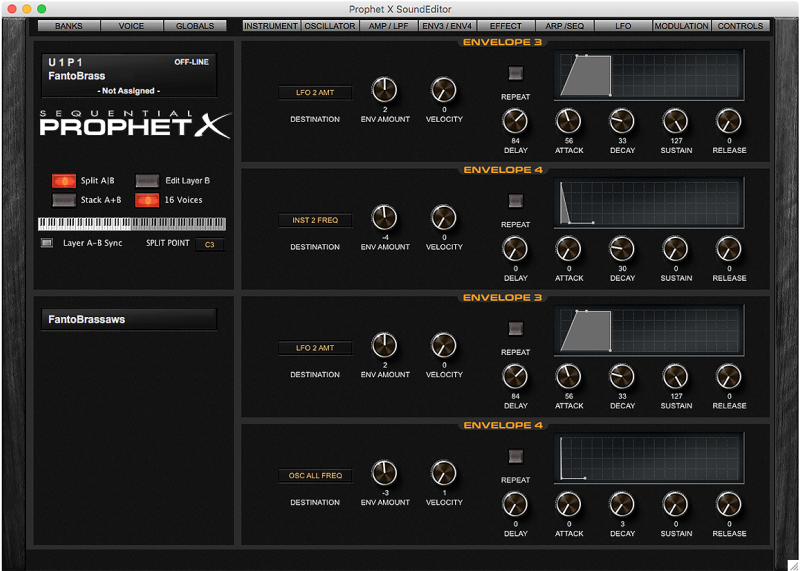
ENVELOPE 3 / ENVELOPE 4
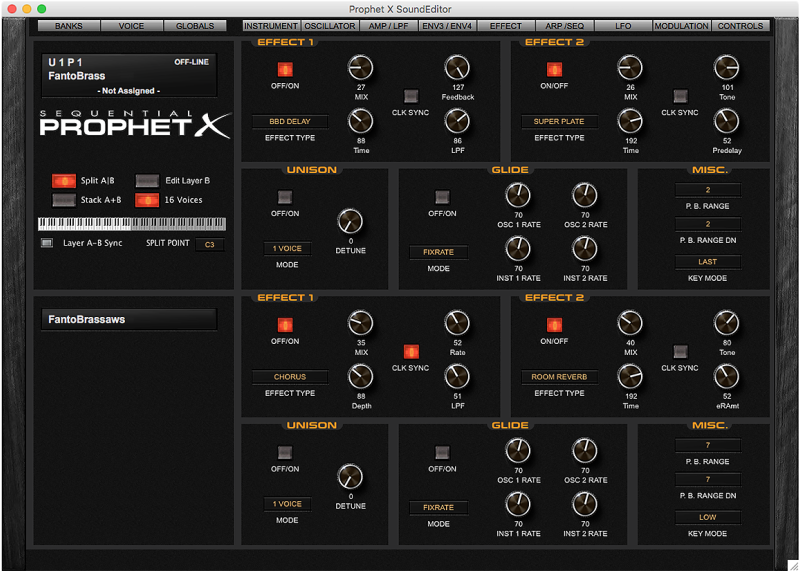
EFFECTS
ARPEGGIATOR / SEQUENCER
LFO 1 / LFO 2
MODULATION
CONTROLS
INSTRUMENTS
SEQUENCER
BANK MANAGER / LIBRARIAN
PROGRAM GENETICS
MORPHER
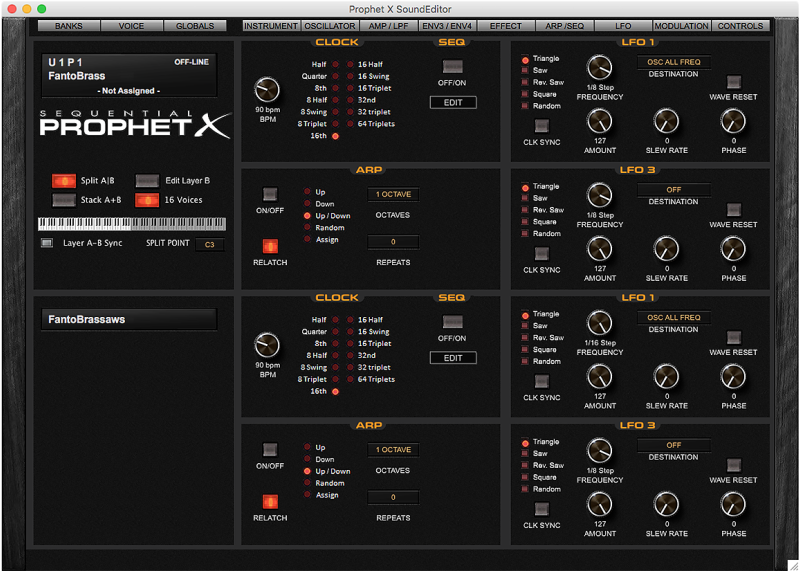
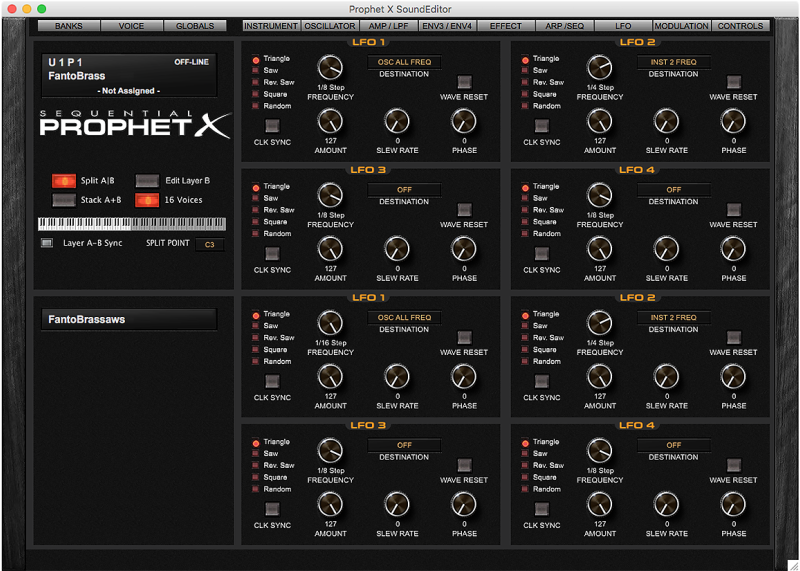
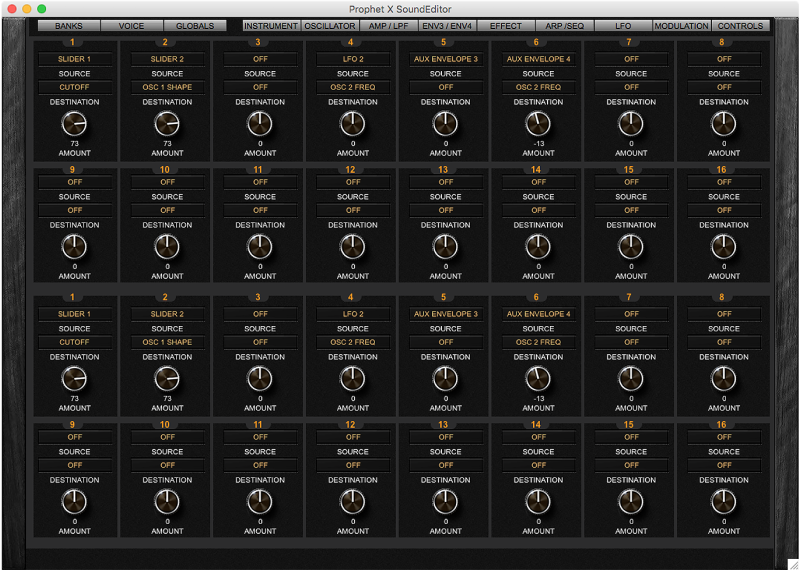
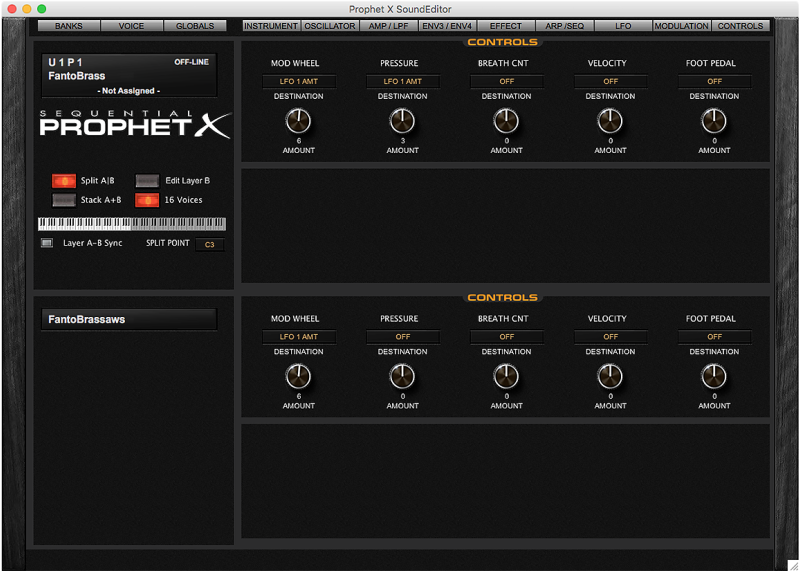
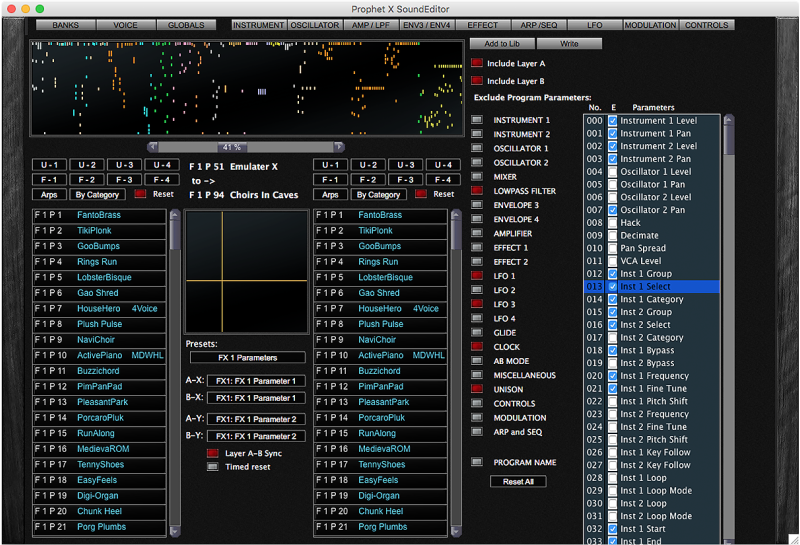


FULL VIEW OF THE ENTIRE PROPHET X EDITOR
click on the image to show it full size

If your Prophet X unit did not come with the categorized program set, you can fix it with the Editor.
Here’s how: Prophet X categorized Program Banks
Any questions or comments, please e-

Copyright © 2021 SOUNDTOWER INC.
Version 2.4.0 -
- Redesigned Librarian
- Bank Panel View.