 |
 |
Page 3 |
RECEIVING DATA FROM 05W
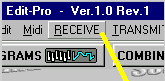
1. Click on the “RECEIVE” window menu:
2. With "All Global, Drum, Program, Multi Data" selected click START button.
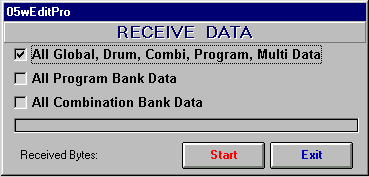
Now you should see the progress bar indicator and after about 20 seconds a total of received bytes will be
displayed. It should read: 35318. This is a size of Korg 05w dump all sysex data.
3. Click EXIT from RECEIVE DATA window.
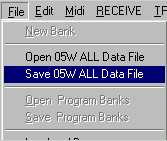
4. Your whole 05w memory contents is now loaded to the editor - you can save it to disk drive by selecting "Save 05w All Data File". It is always a good idea to back up all your precious sounds!
|
|
Page 3 |