

|
|
Page 12 |
EDITING EFFECT SYSTEM
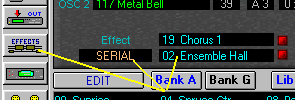
1. Effect Editing Window can by opened by clicking on the “Effect Routing” labels or on the toolbar on the left side of the main window. The “Effect” window whenever activated, will always display effect setting of currently edited program, combination or multi depending which mode you are in.
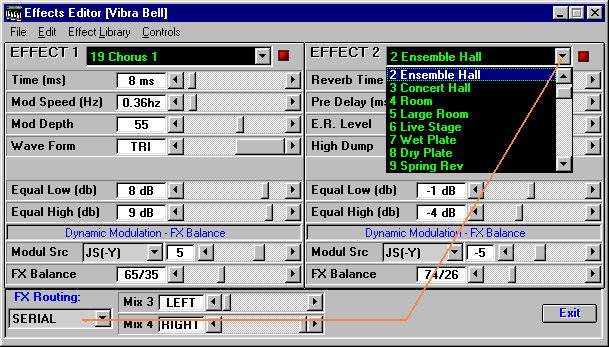
2. To
change the assigned effect pull down the list of effects and select a desired
one. All other effect parameters will change accordingly and preset values will
be displayed. Select “routing” of the effects (serial, parallel and etc.) is
placed on the bottom of the window.
|
|
Page 12 |