Menus
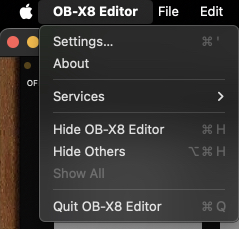
Clicking on the OB-
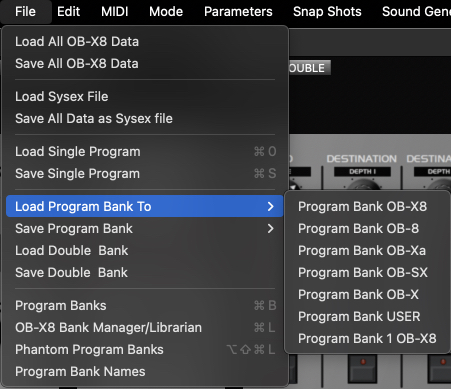
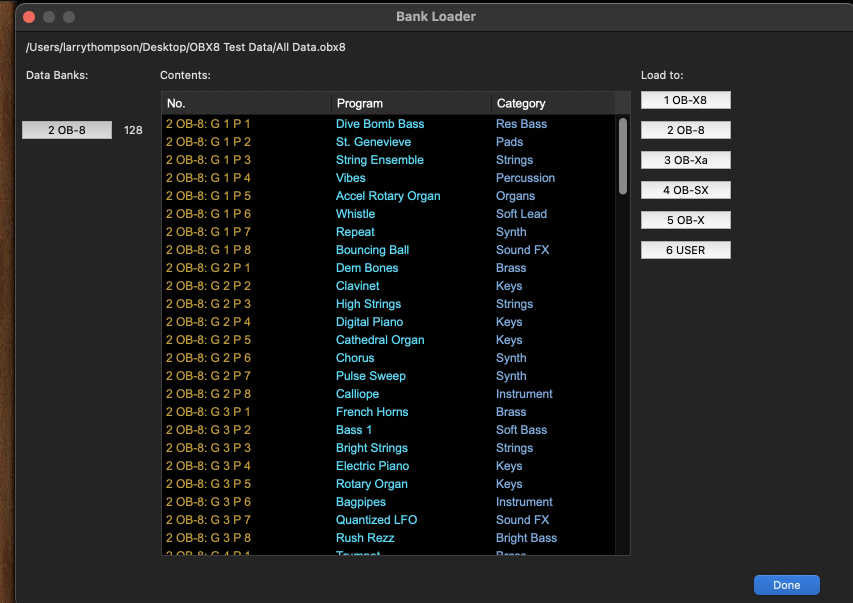
When you click on Load Program To and select a bank, you will be presented with a dialog screen where you can select a previously saved bank. When you select a file, you will be presented with the Bank Loader screen.
Click on the button on the left to confirm the correct bank will be loaded then select the desired bank under the Load to: list. A SEND button will appear . When you click, a dialog will appear to confirm.
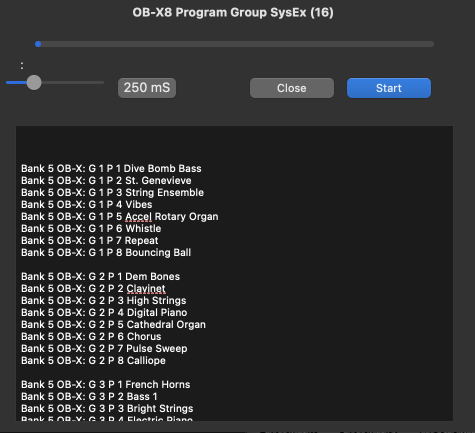
A window will appear allowing you to Start the transfer.
When finished, click Done.
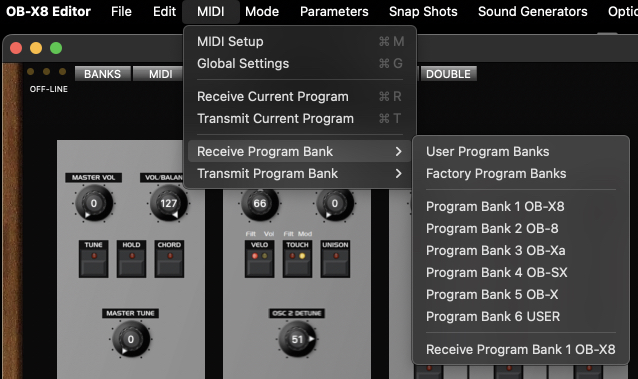
The MIDI menu shows items that have been previously described in this manual (Midi Setup and Global Settings.)
From this menu you can also receive or transmit current banks from the OB-
Items in this menu will change depending on which mode you are in -
PLEASE NOTE!!!
If you have done any editing of programs on the OB-
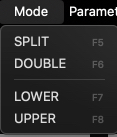
The Mode menu allows you to select either of the Stack modes and select between the upper or lower voice.
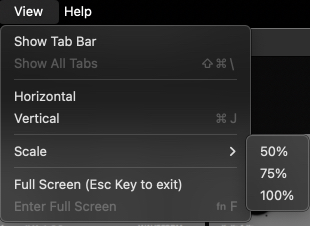
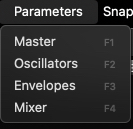
The Parameters allows you to bring into focus the various sections of the editor.
This can be very helpful when using smaller monitors. Keyboard shortcuts are shown for your convenience.
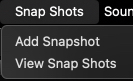
Snapshots is another quick and convenient way to quickly save the current program. This could be very useful while making edits on a program and you wish to save and be able to recall incremental changes during the process. Snapshots will be saved with the editor and be available on restart.
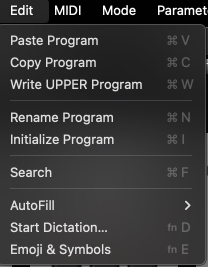
The Edit menu offers the same functions that are offered by right clicking on a Program Name in the Banks window. The keyboard shortcuts are shown if you prefer.
File menu
Some of the items available will change depending on what mode the synth is currently in (Normal, Split or Double) however the functions are similar.
There are a number of options to Save or Load instrument data in various formats depending upon your needs.
Loading a single program from disk will load the program into the synth’s edit buffer and will not be automatically saved.
At the bottom of the File menu list are features of the editor that can be focused by selecting in the menu or using the shown keyboard shortcuts.
PLEASE NOTE!!
It’s recommended that you execute a full Save All OB-
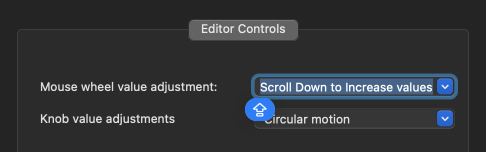
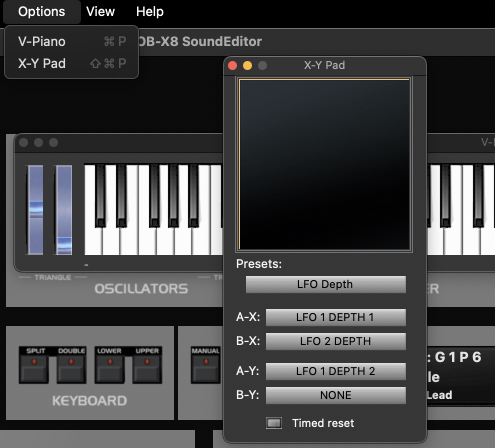
Options provides a virtual onscreen keyboard and the X-