Voice Edit View
The Voice Edit panel can be scaled down to 25% by dragging the bottom-

Depending on your computer screen size and your preference you can set the Voice Panel in HORIZONTAL or VERTICAL mode.
In the HORIZONTAL mode the Page 2 parameters are located to the left of the Page 1 parameters.. Use scroller or Arrow keys to shift the panel to the left.
If the Edit View panel is set to 100% on smaller monitors then you will need to shift the Edit View panel left in order to access more parameters that are located on the right side of the panel.

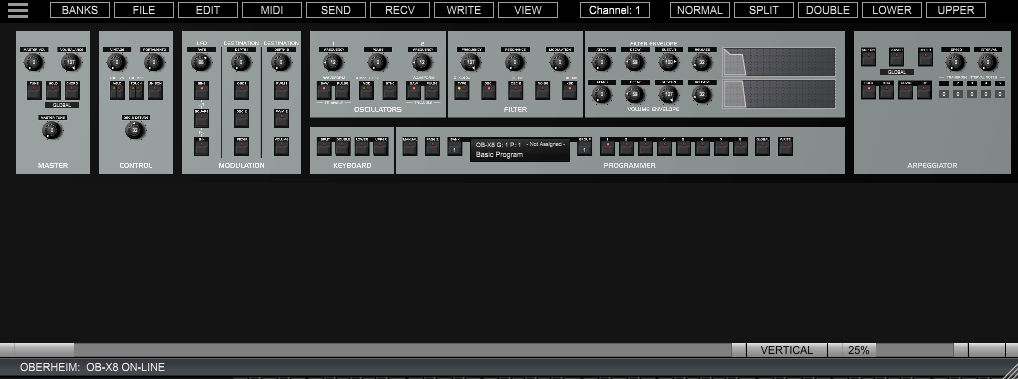
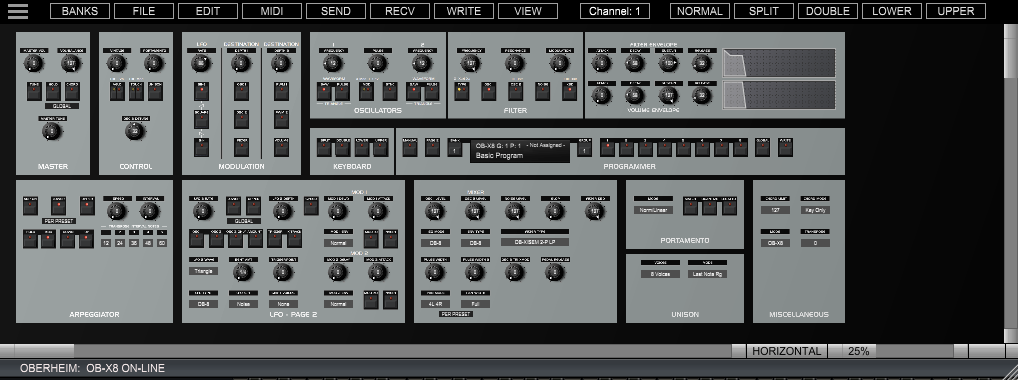
In the VERTICAL mode the Page 2 parameters are located just below the Page 1 parameters.