Selecting Programs by Name
You can select programs using the Bank Panel and also by typing first letters or program names.
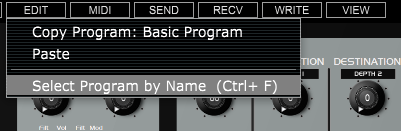
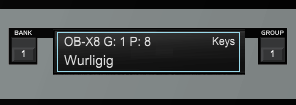
To access the Select Program by Name function you can either press Ctrl/Command + F keys or click on the Program Name in the Voice Edit view.
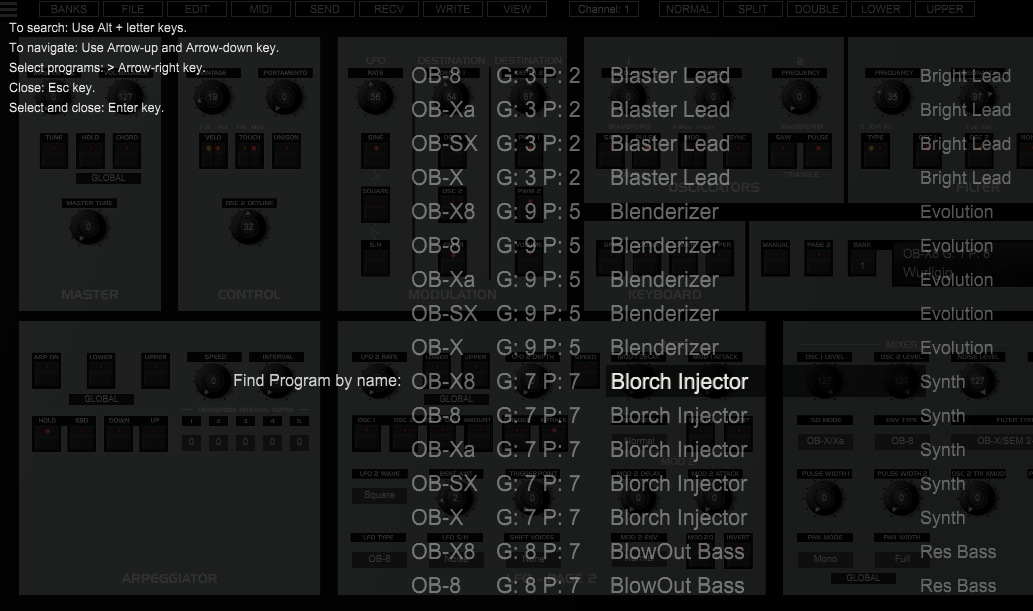
To search: Use Alt/Option + letter keys tto search by name.
To navigate: Use Arrow up and Arrow down keys.
To select programs: use Arrow-
To close search panel: use Esc key.
To select and close: use Enter key.
Search by Name: